Family life,
finally at ease.
Lists, calendar, chores, real pocket money, private family messaging and a built-in AI helper. In sync across every phone, the desktop, and the tablet on your fridge.
Everything family life needs, under one roof
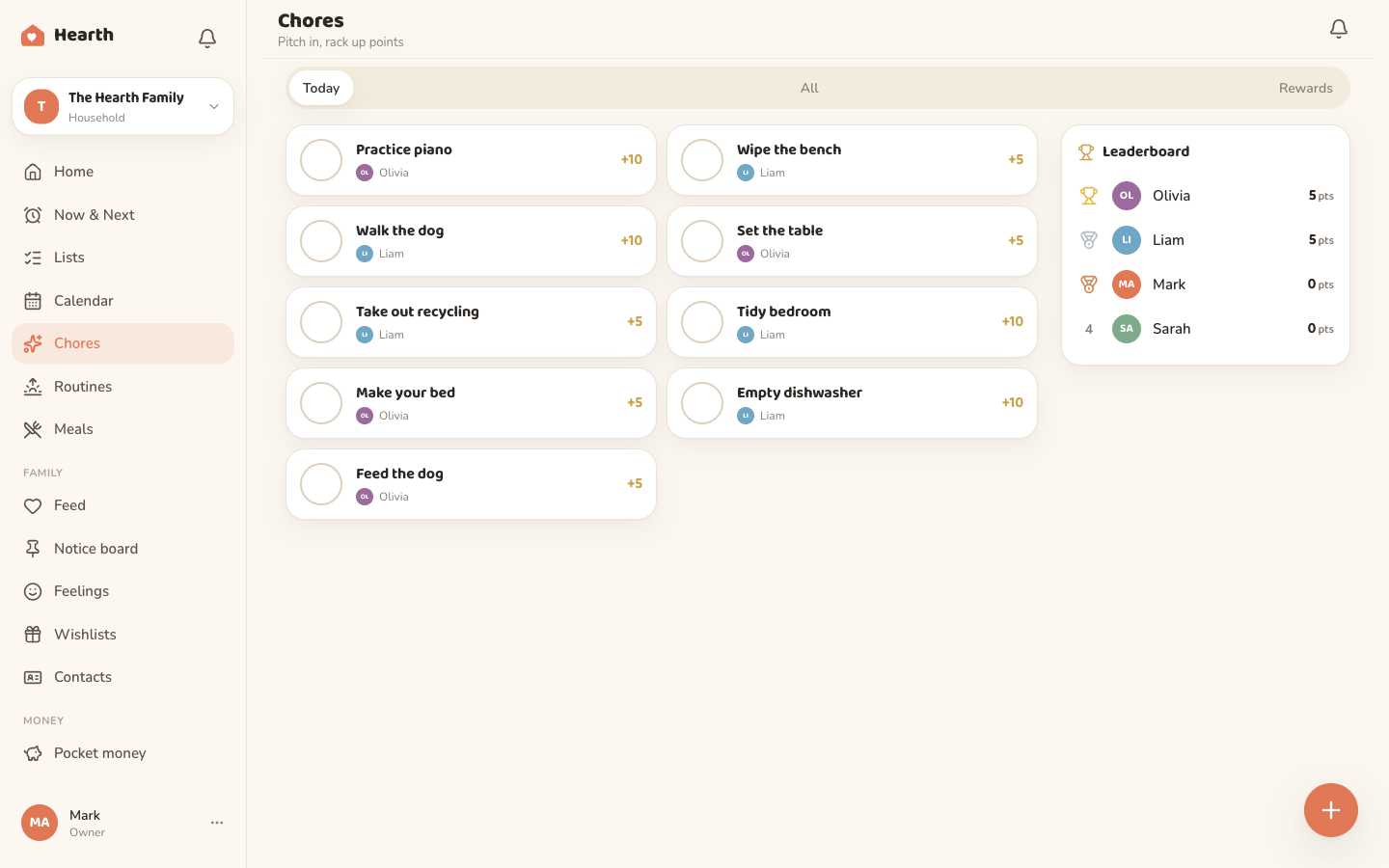
The chore chart that actually pays out
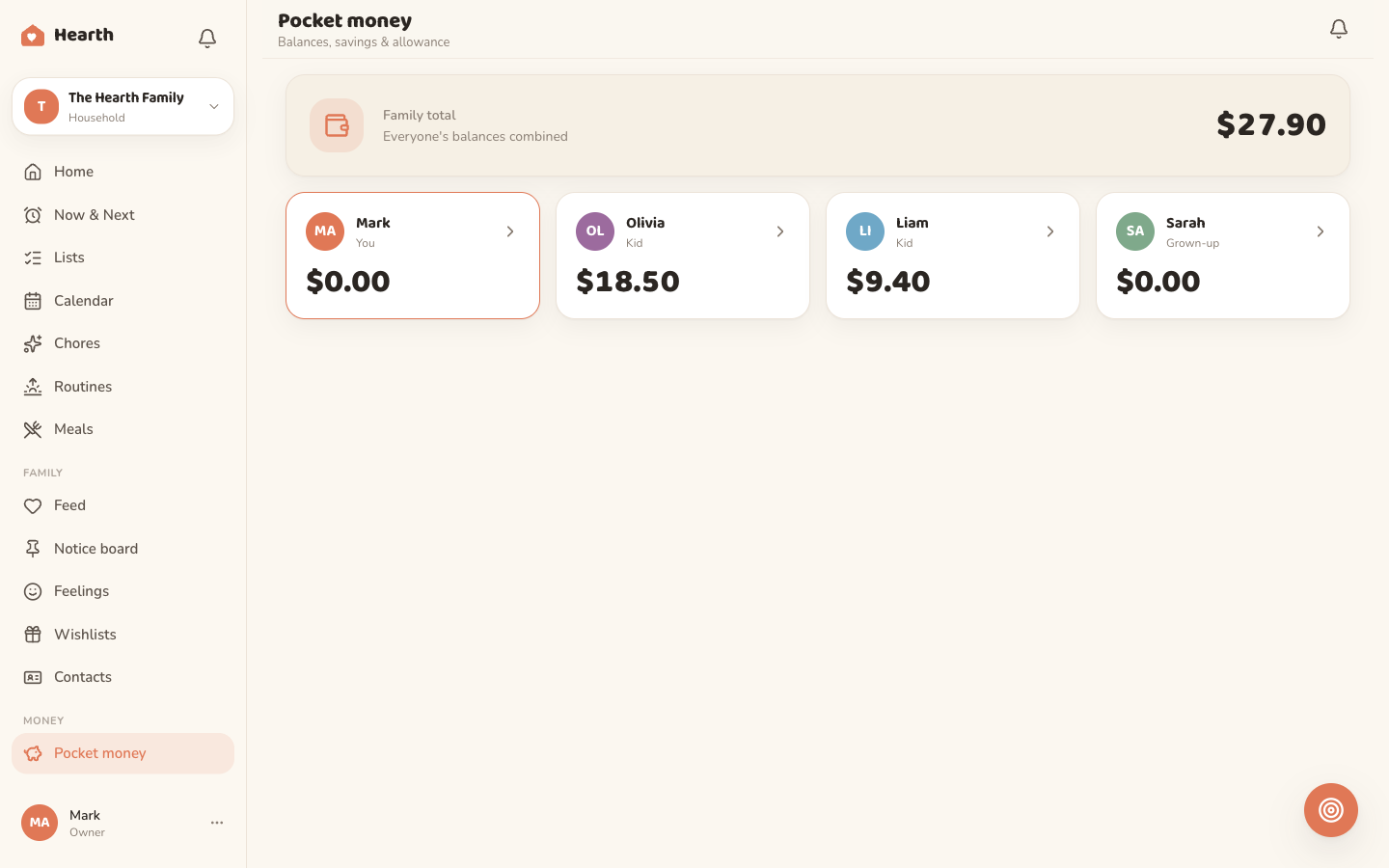
Assign recurring chores worth real points and real money. Kids tick them off, climb the leaderboard, and watch their pocket money grow toward a goal they can see. You approve the payouts with a tap. The most motivating allowance the fridge has ever seen.
Every family is different. So is every Oona.
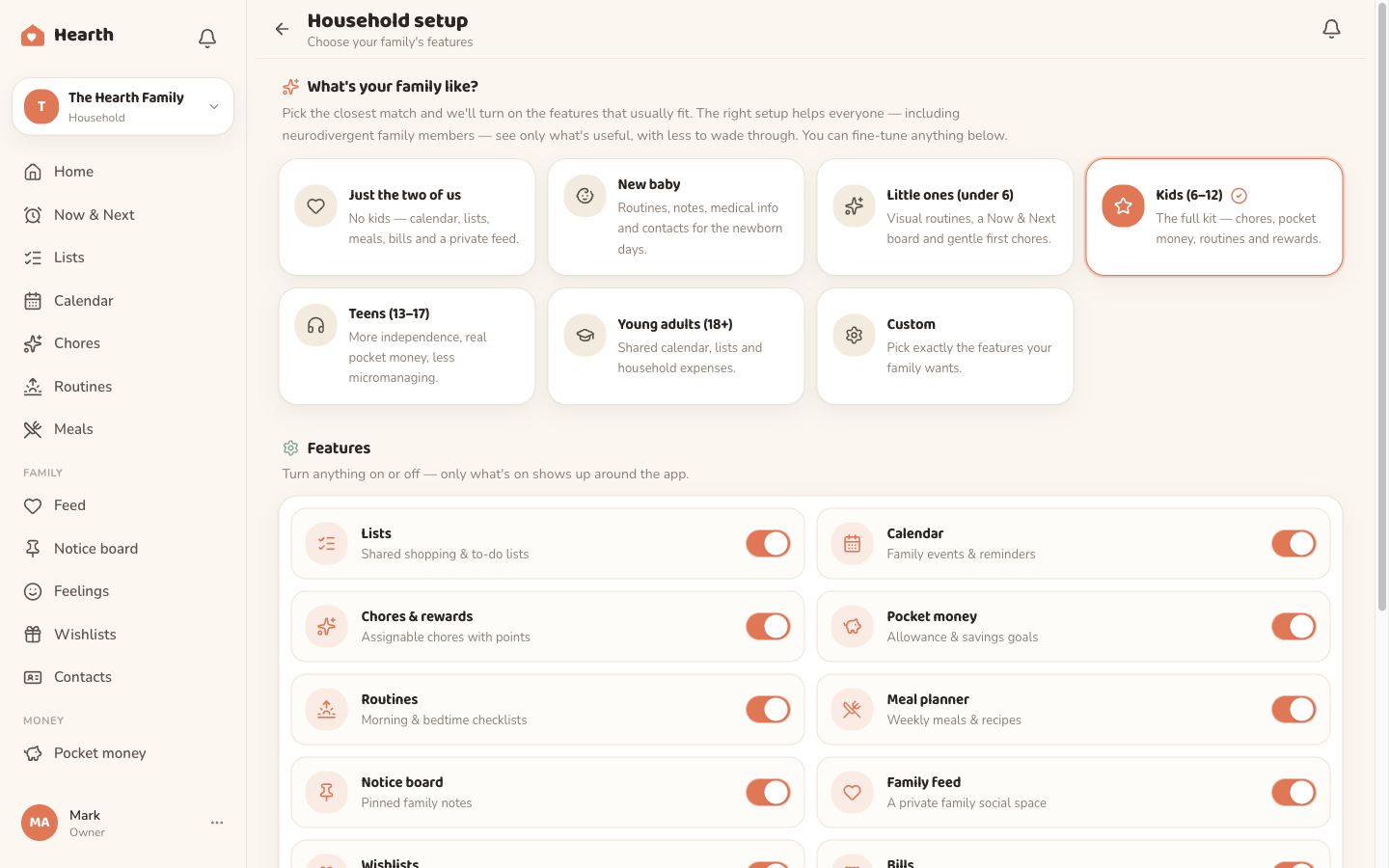
Pick the life stage that fits, from just-the-two-of-us to a house full of teens, and Oona turns features on or off to match. Tweak any of them whenever life changes. No clutter, no features you will never use.
- Just the two of us
- New baby
- Little ones
- Kids
- Teens
- Young adults
- Custom
- Life-stage presets get you set up in seconds
- Per-feature toggles for full control
- Change it any time as the family grows
The everyday toolkit, all talking to each other
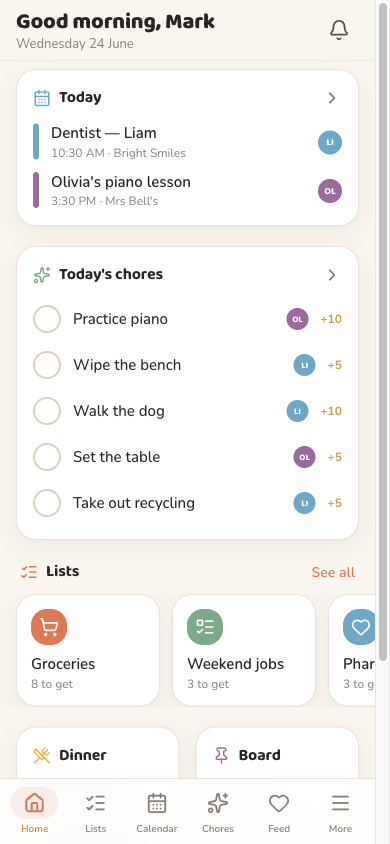
The ordinary stuff of running a home, made calm. Each piece flows into the next, so nothing slips through the cracks and nobody has to nag.
A family assistant that knows your family
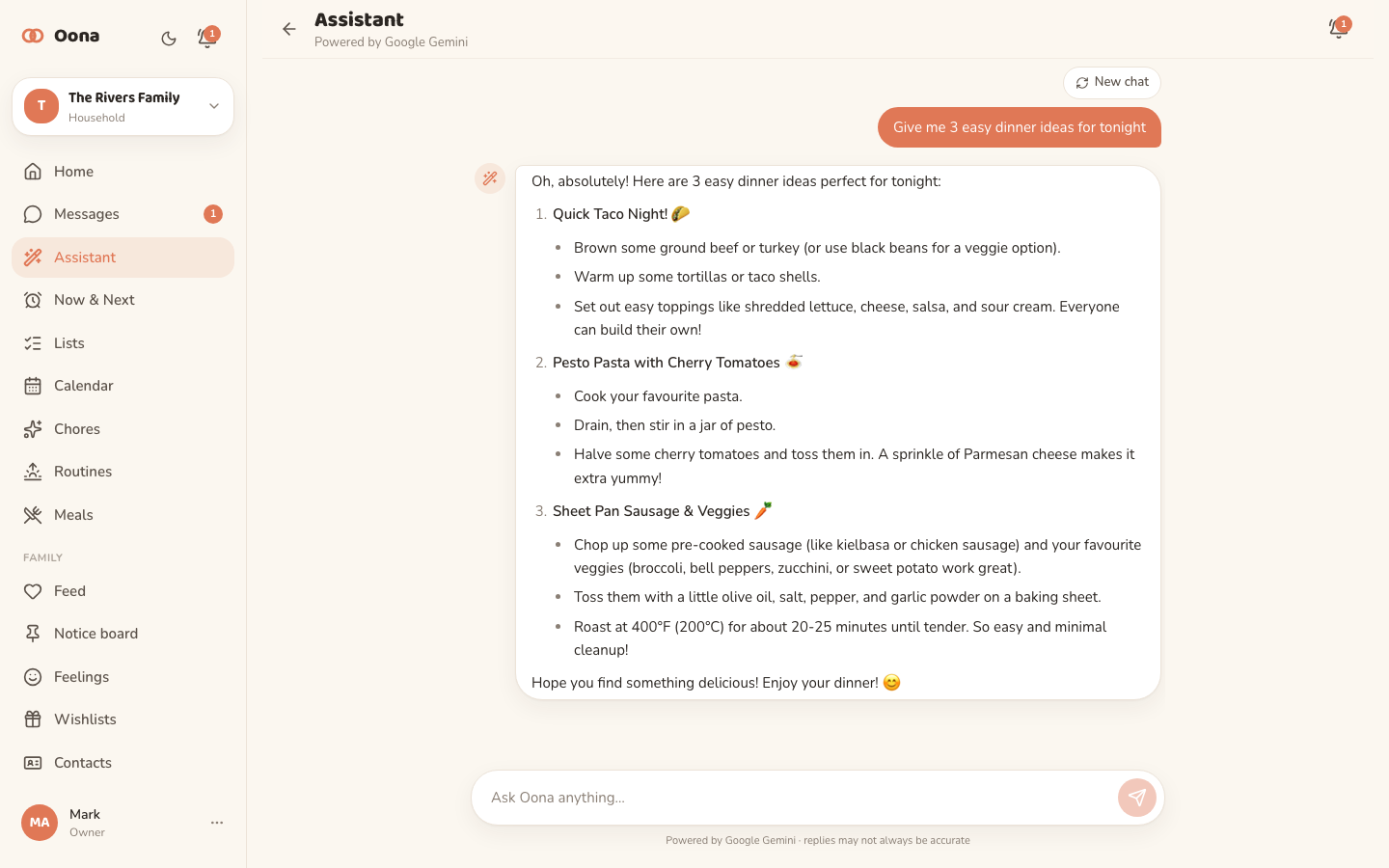
Ask Oona for dinner ideas, homework help, a rainy-day activity or a quick answer — on your phone or the tablet on the fridge. It tailors every reply to your kids' ages and stays family-friendly by design, so it's safe to hand to the children too.
- Powered by Google Gemini
- Tuned to your kids' ages
- Kid-safe, on every screen
Your family's own private chat
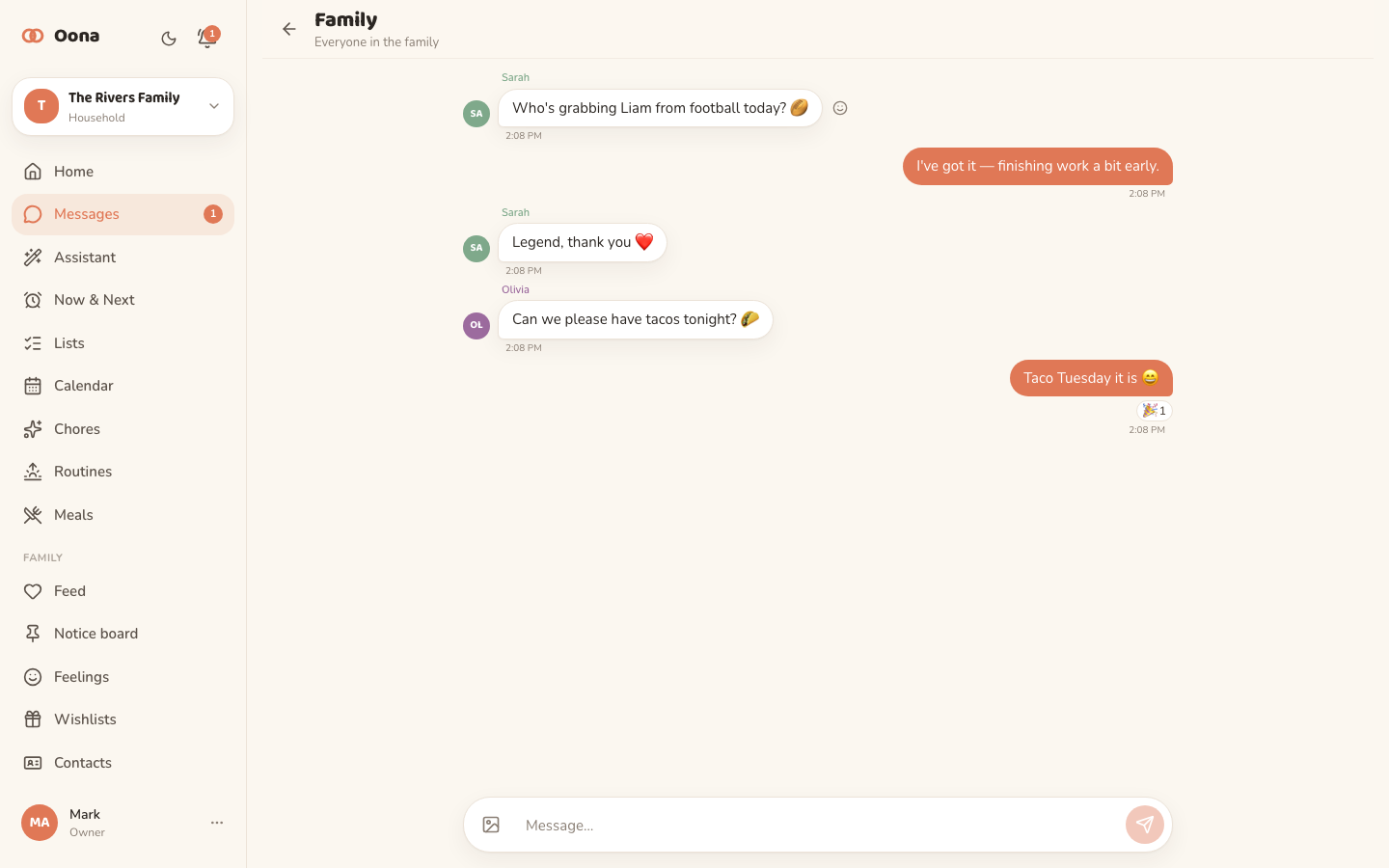
A group thread for the whole household plus one-to-one messages, with photos, reactions and read receipts — no outside contacts, no ads, just your lot. New messages ping the right phones, and parents can gently keep an eye on the kids' chats whenever they want to.
- Group chat + private DMs
- Photos, reactions & read receipts
- Optional parent oversight
One trolley, everyone adds to it
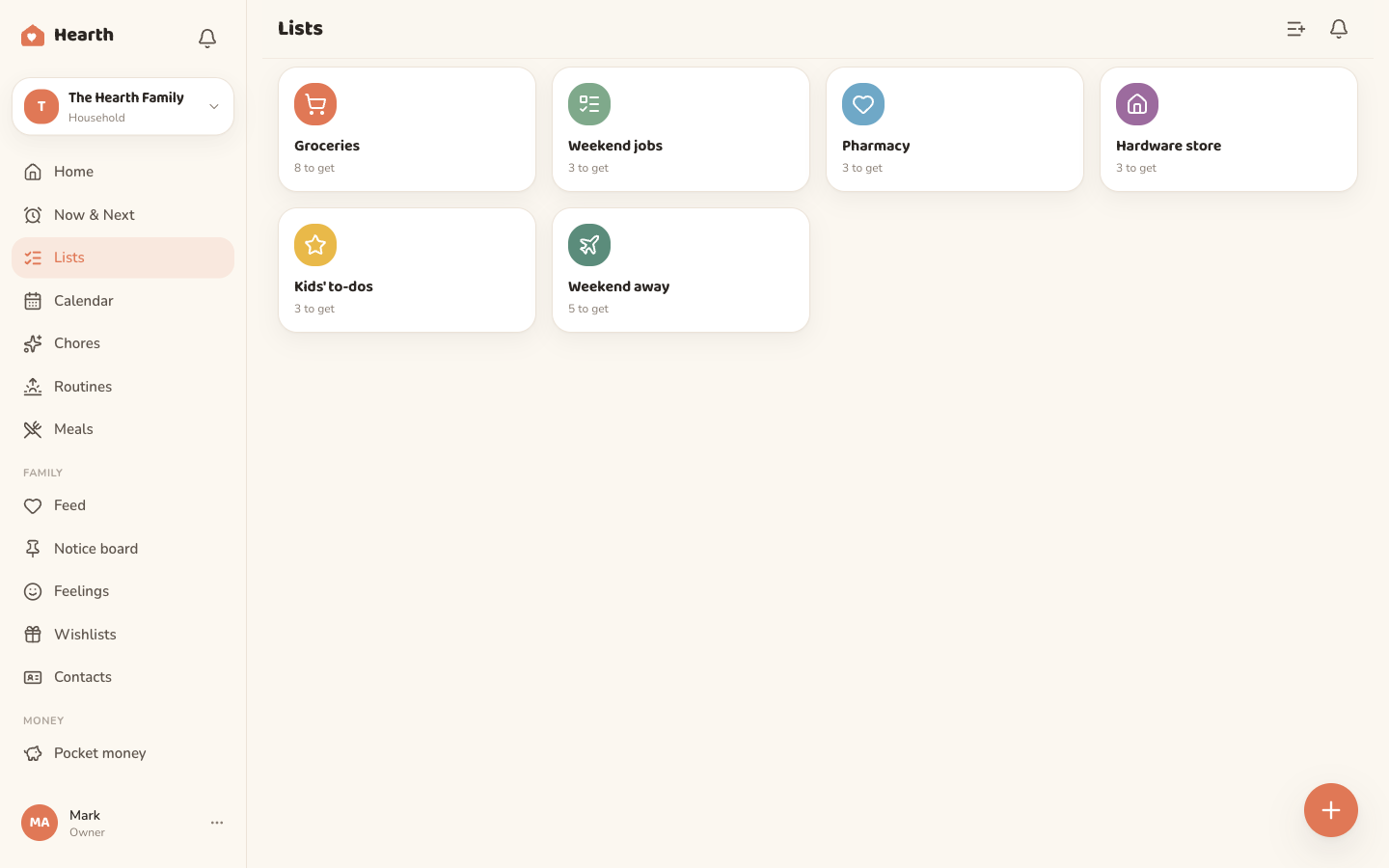
Shopping and to-do lists the whole family shares, auto-sorted by aisle as you type. Save packing and weekend templates so the bag-for-the-bach list is one tap away. Tick something off and it vanishes for everyone, instantly.
- Auto-categorised groceries
- Packing & list templates
- Live across every device
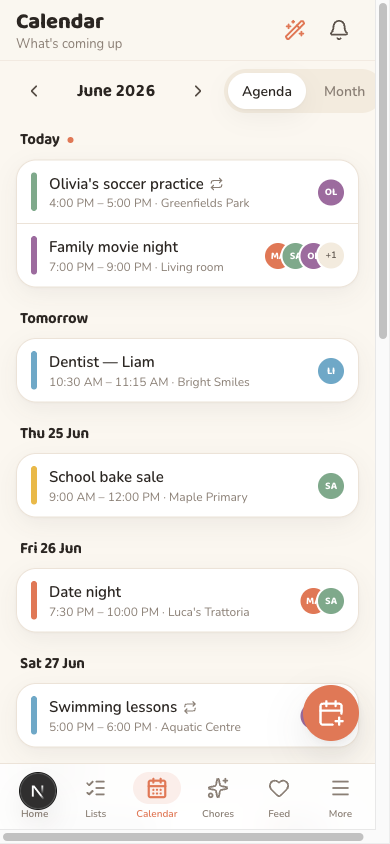
Quick-add an event the way you'd say it
Type “footy Saturday 9am, remind Maya” and Oona files it, assigns it and sets the reminder. Recurring events, colour-coded people and a week that finally agrees with the one on the fridge.
- Natural-language quick-add
- Assignees & recurrence
- Reminders that land
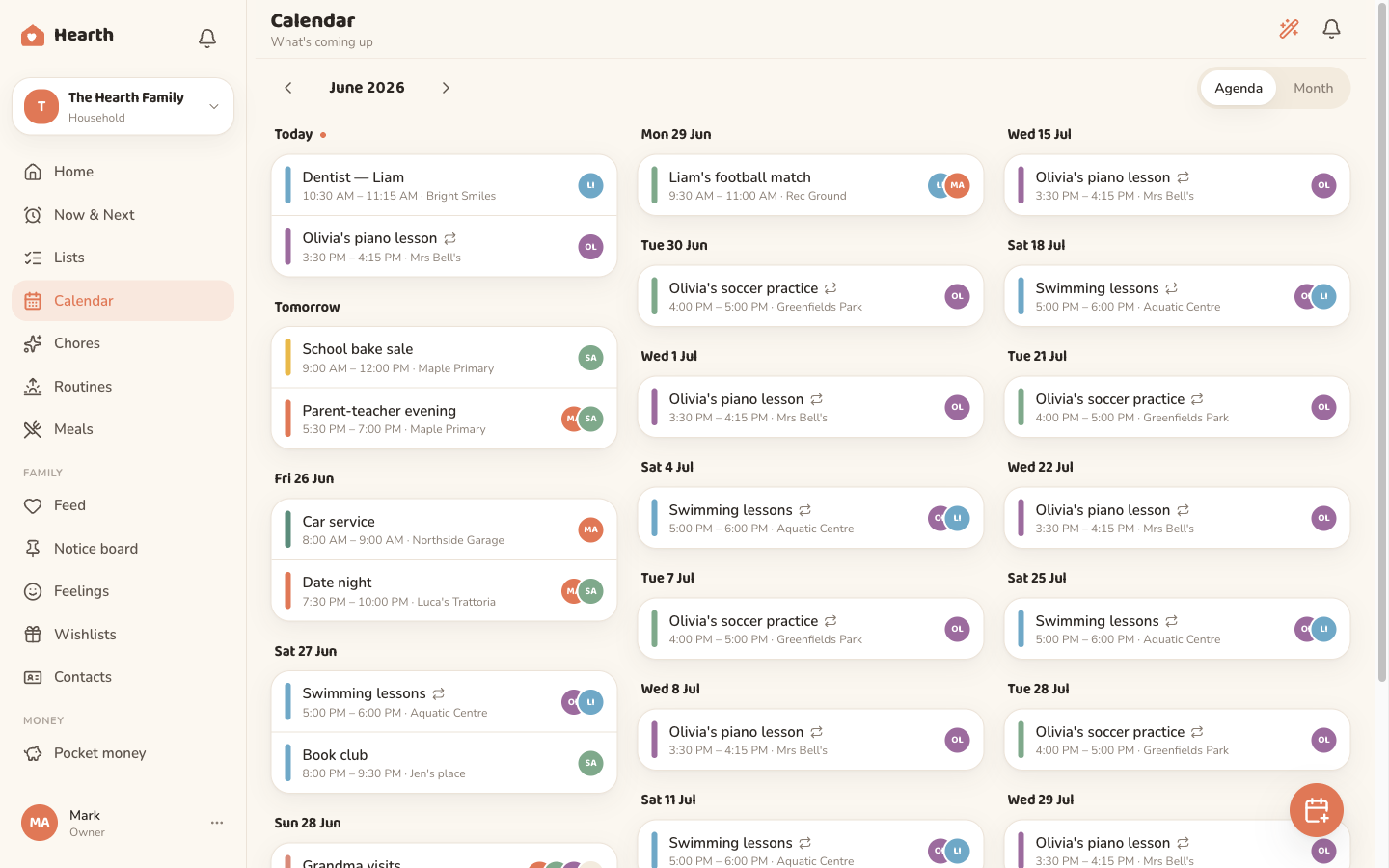
The whole week's dinners, sorted on Sunday
Plan breakfast through dinner across all seven days, import a recipe from any URL, then send every ingredient straight to the shared shopping list. The eternal “what's for tea?”, answered once.
- Full 7-day weekly plan
- Recipe import from a URL
- Ingredients flow to your list
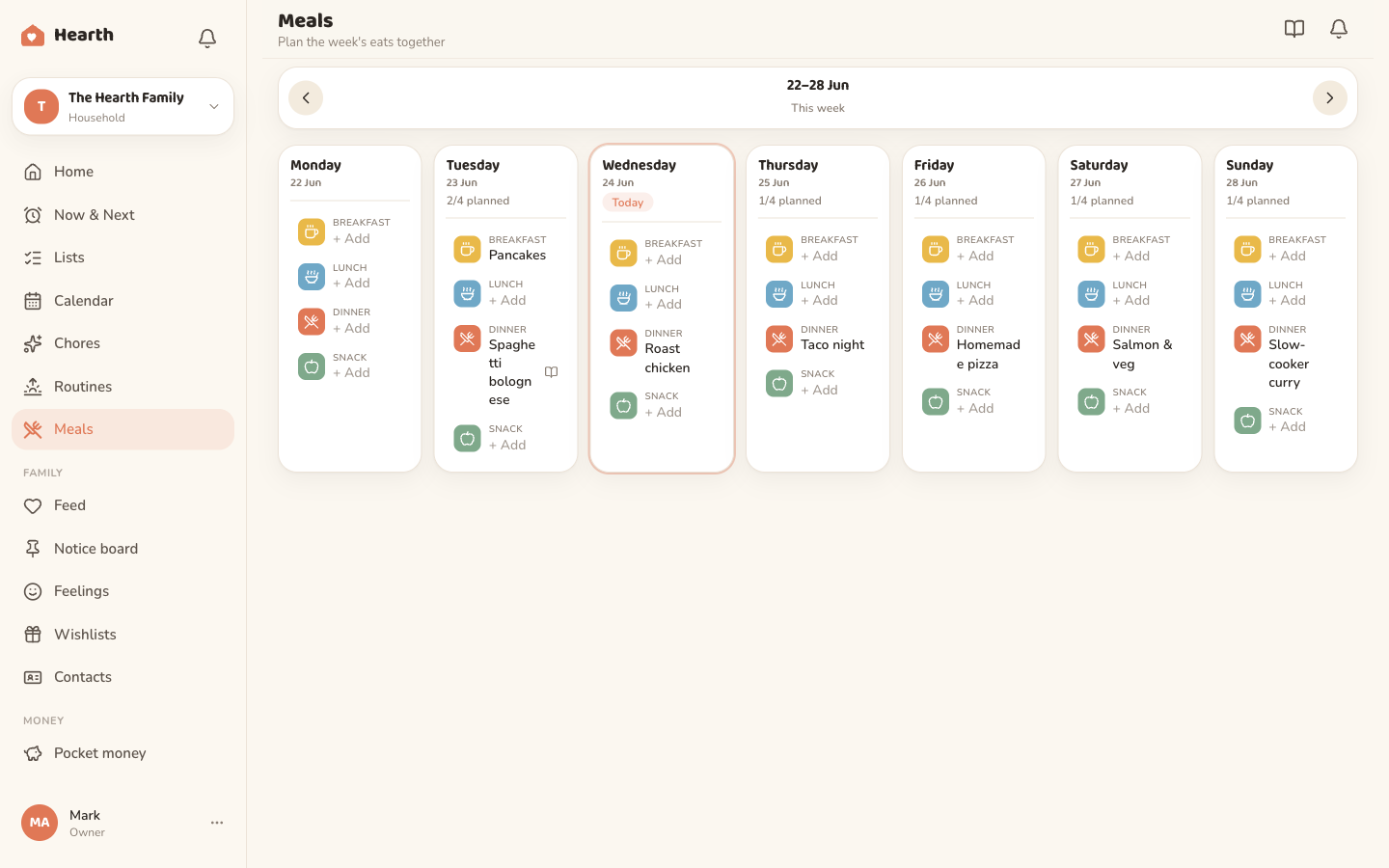
Mornings and bedtimes that run themselves
Turn the daily scramble into a simple checklist the little ones can follow on their own. Build streaks for sticking with it, so getting ready becomes a quiet win instead of a daily battle.
- Morning & bedtime checklists
- Streaks that keep them going
- One less thing to nag about
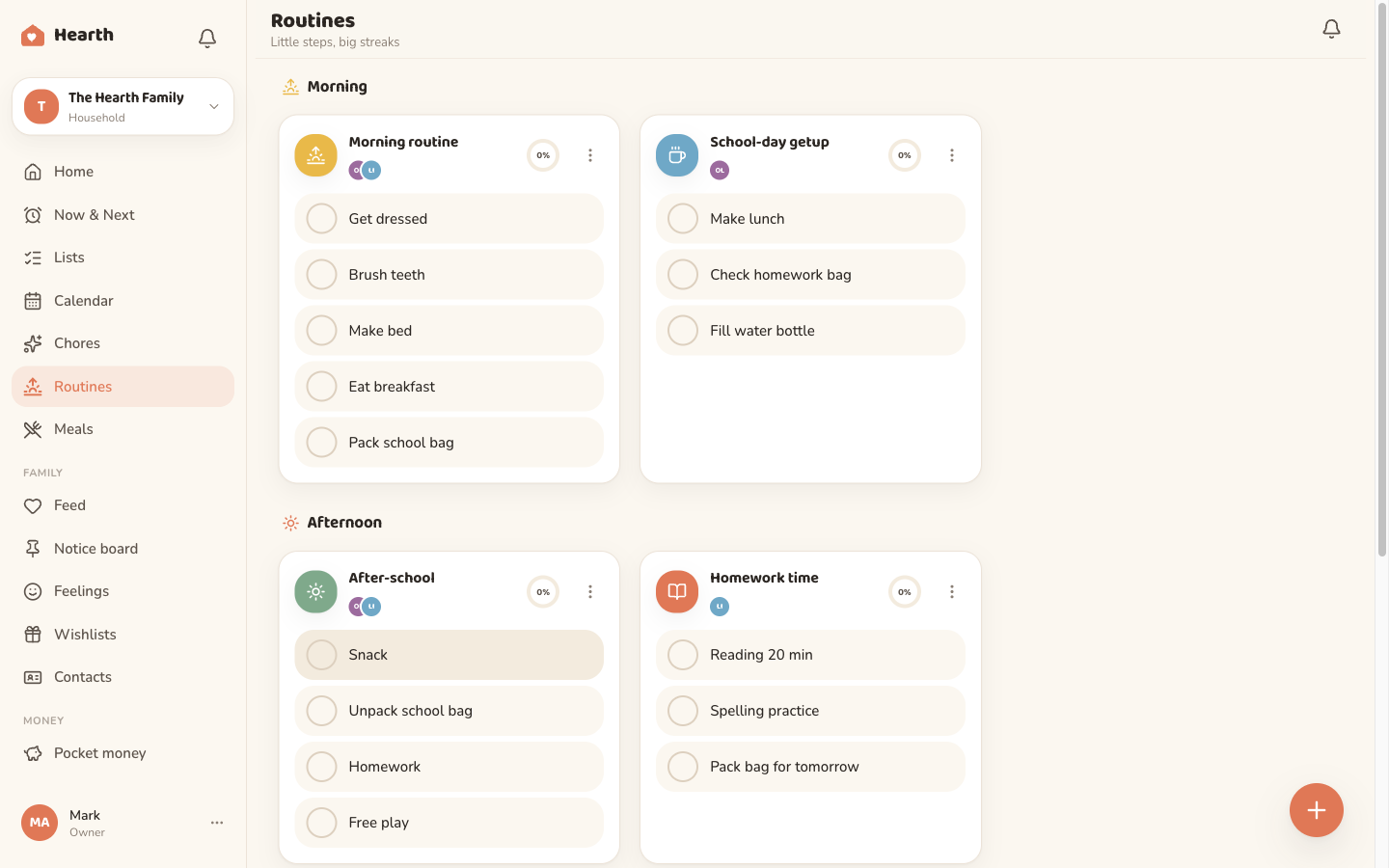
And the rest of the fridge door
The little things a home runs on, finally in one calm place.
Notice board
Pin the things everyone needs to see. The fridge door, minus the magnets.
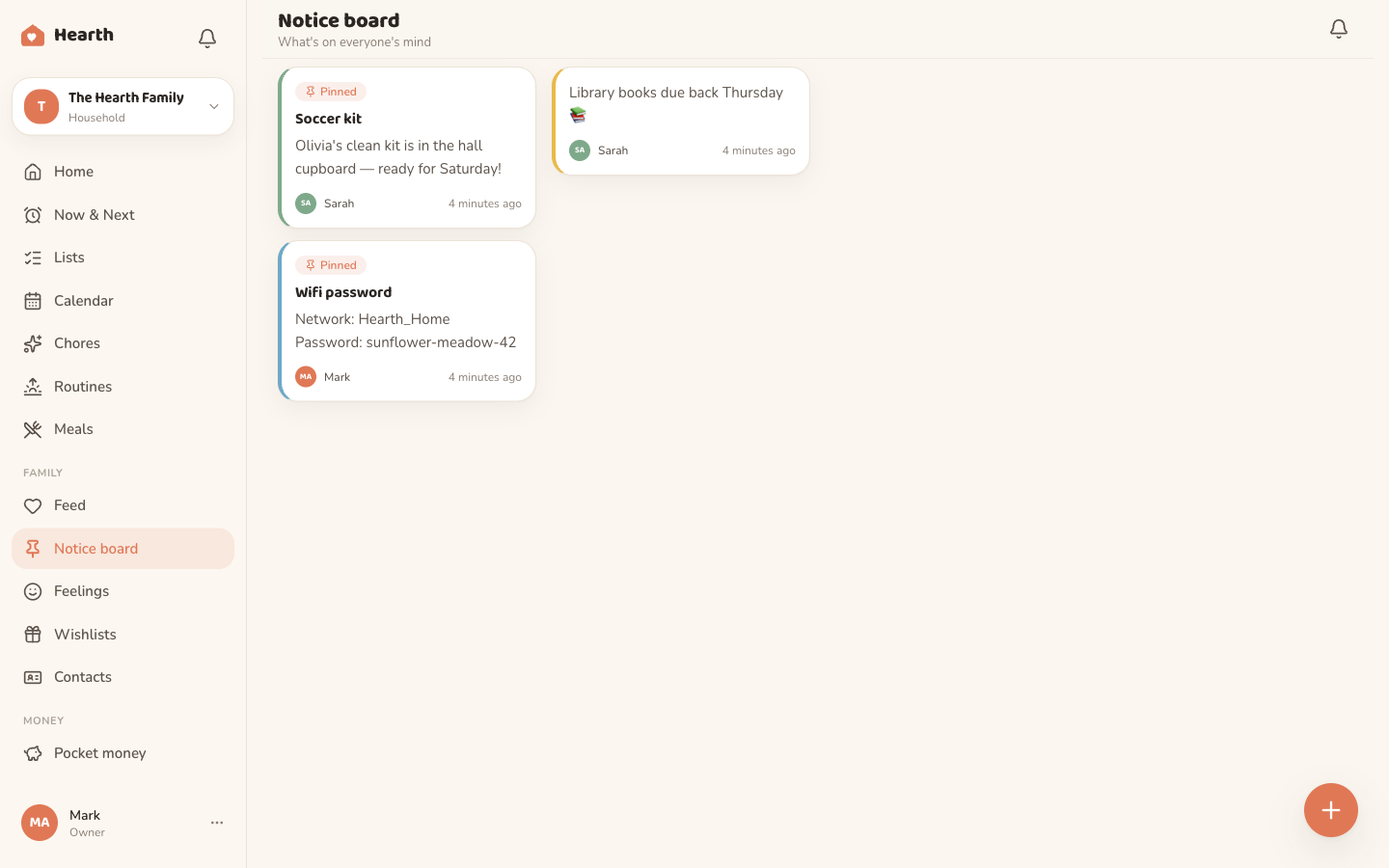
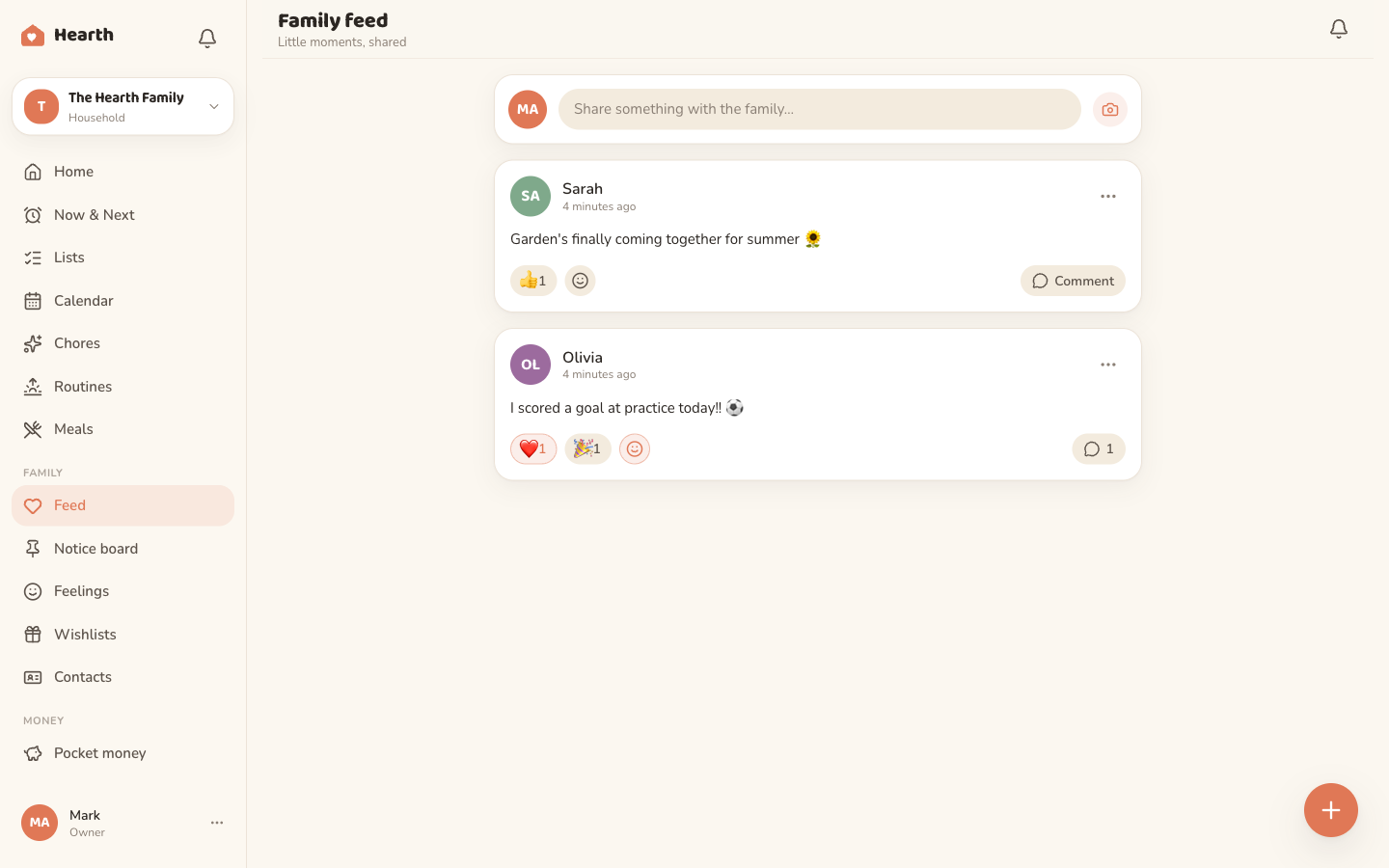
Family feed
A private little place for photos, small wins and daft moments. Just yours.
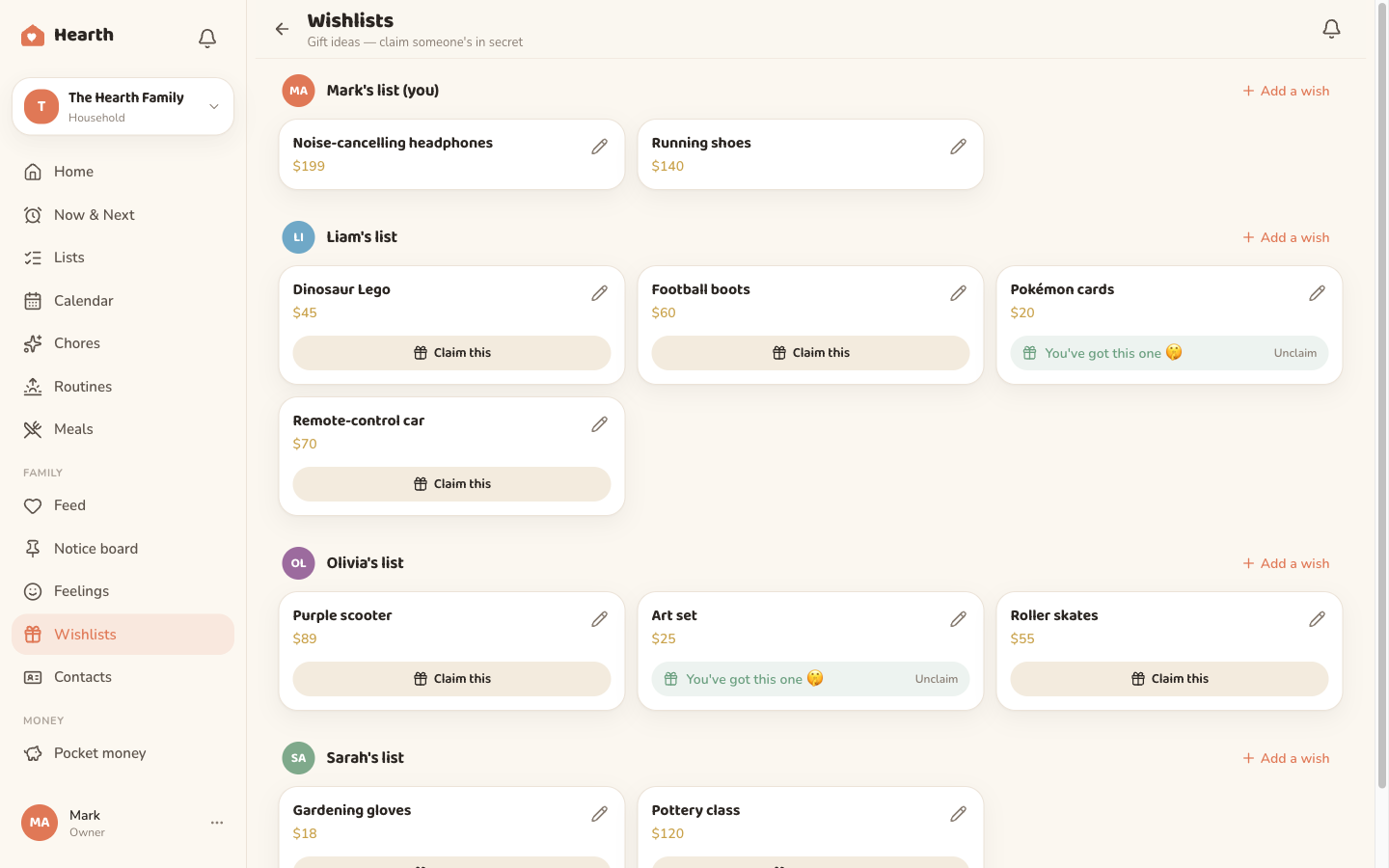
Wishlists
Everyone's wish list in one spot, with secret claiming so surprises stay surprises.
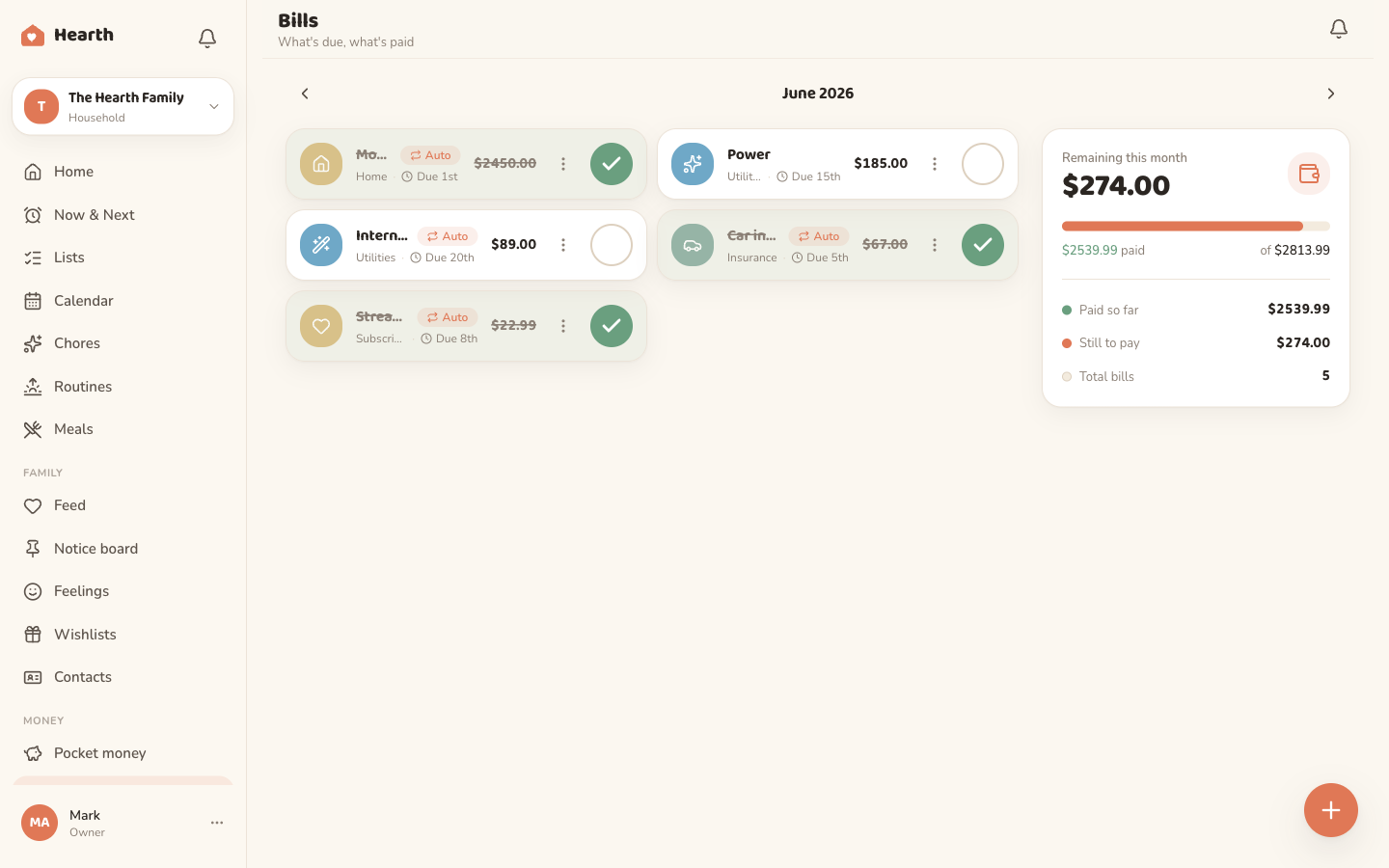
Bills & expenses
Keep the household money in view, so the broadband bill never sneaks up again.
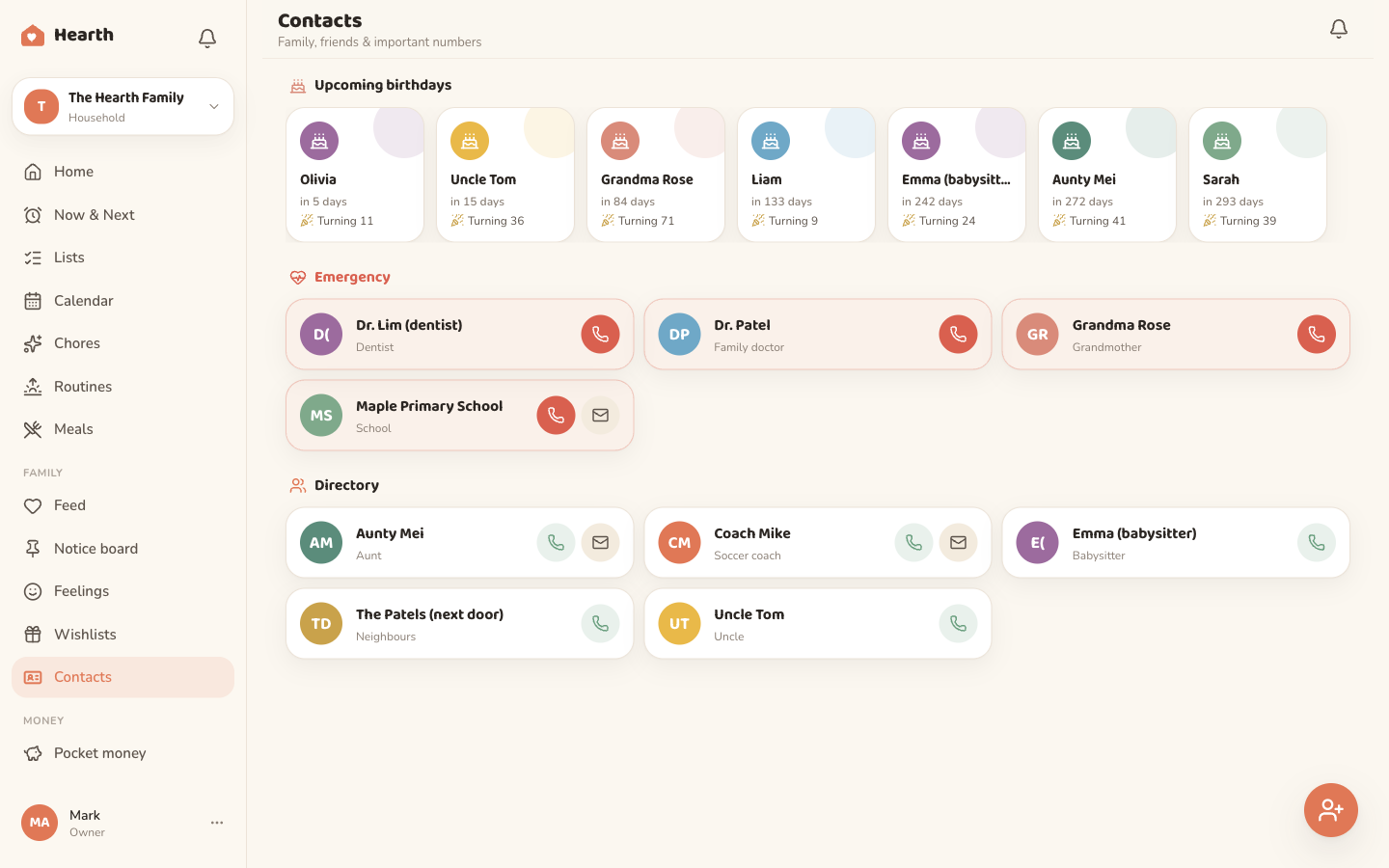
Contacts & birthdays
The school office, the plumber, Nana's birthday. The family address book that remembers.
Family vault
Emergency contacts, medical notes, allergies and the things you'd hate to be hunting for at the worst moment. Kept safe, ready when it counts.
- Medical notes & allergies
- Emergency contacts
- Private to your family
Built to be gentle, for everyone at the table
Calm by design, and especially kind to neurodivergent families. A softer view, a visual schedule for the anxious moments, and a gentle way to ask how everyone is doing.
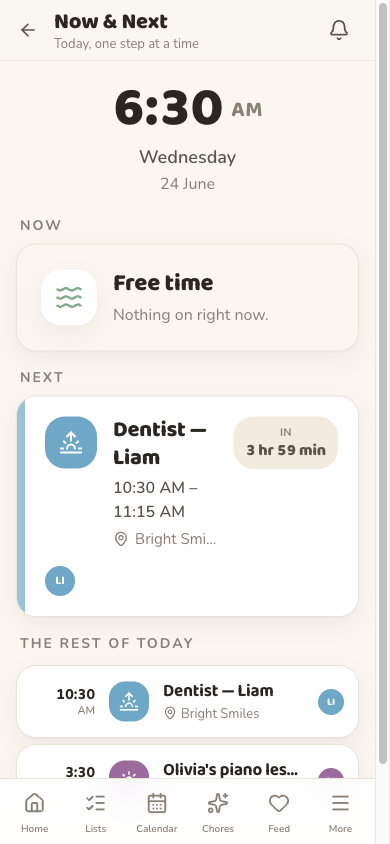
Now & Next
A calm visual schedule that shows only what's happening now and what comes next, with a live countdown. A steadying anchor for transition anxiety, and a real help with ASD and ADHD.
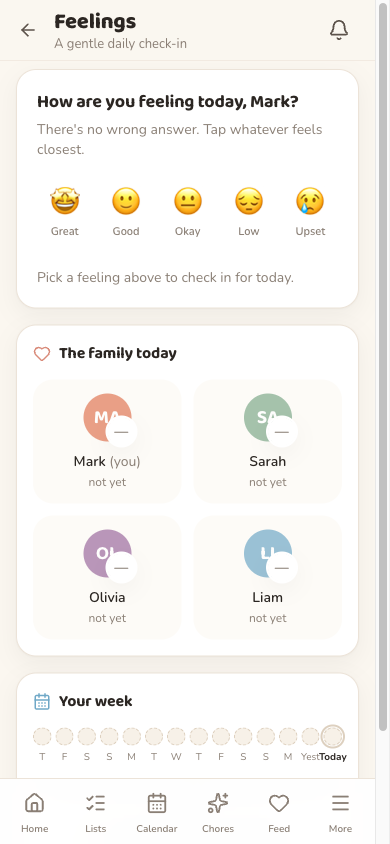
Feelings check-in
A gentle daily check-in, from Great to Upset, with no wrong answer. A soft zones-of-regulation cue that helps kids name how they feel and helps you spot the harder days early.
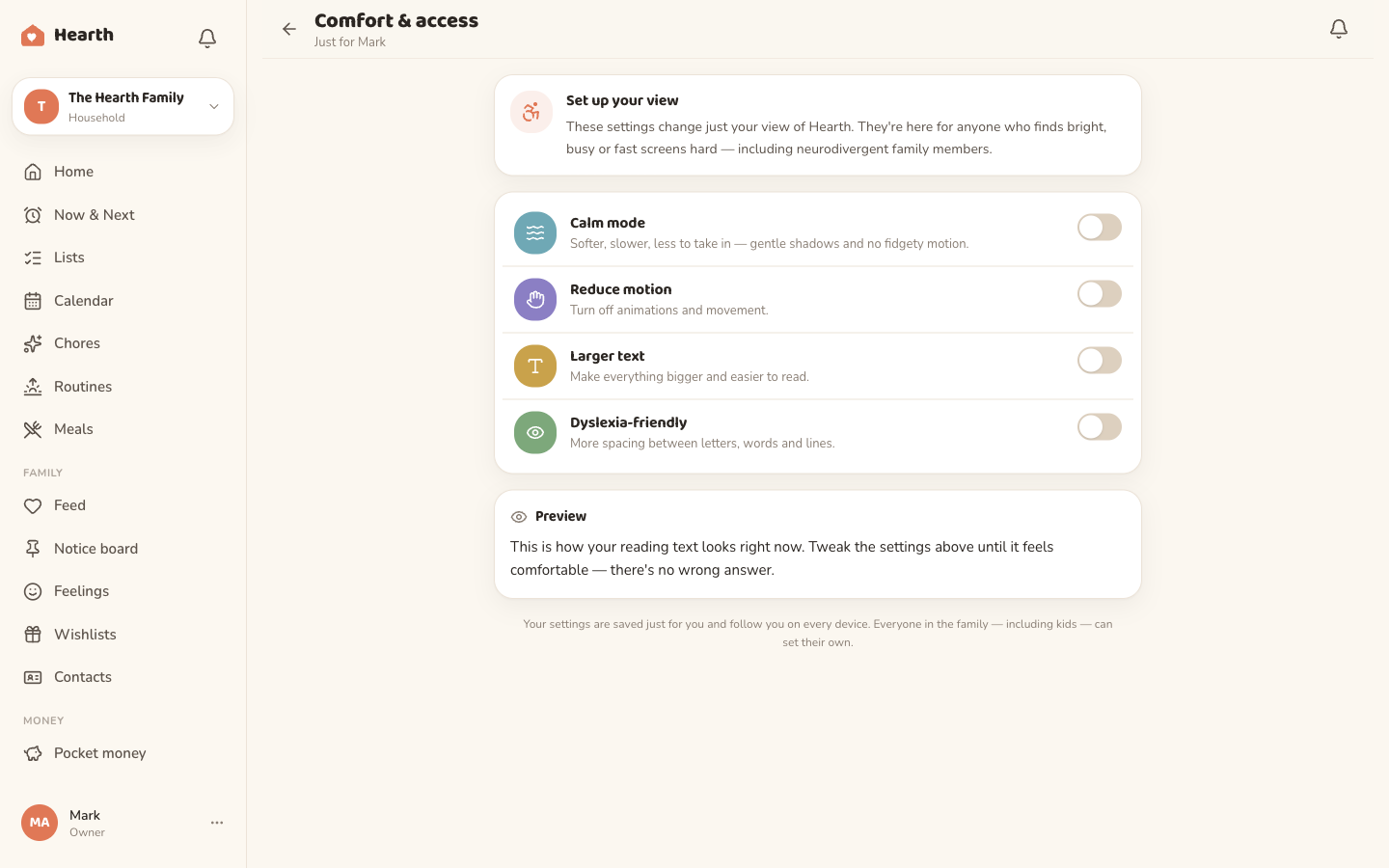
Comfort & access, set per person
Everyone sets their own view and it follows them on every screen. For anyone who finds bright, busy or fast screens hard to take in.
- Calm mode
- Reduce motion
- Larger text
- Dyslexia-friendly
Roomy on every screen in the house
Install it once and find it everywhere. The same warm home, sized to whatever you're holding.
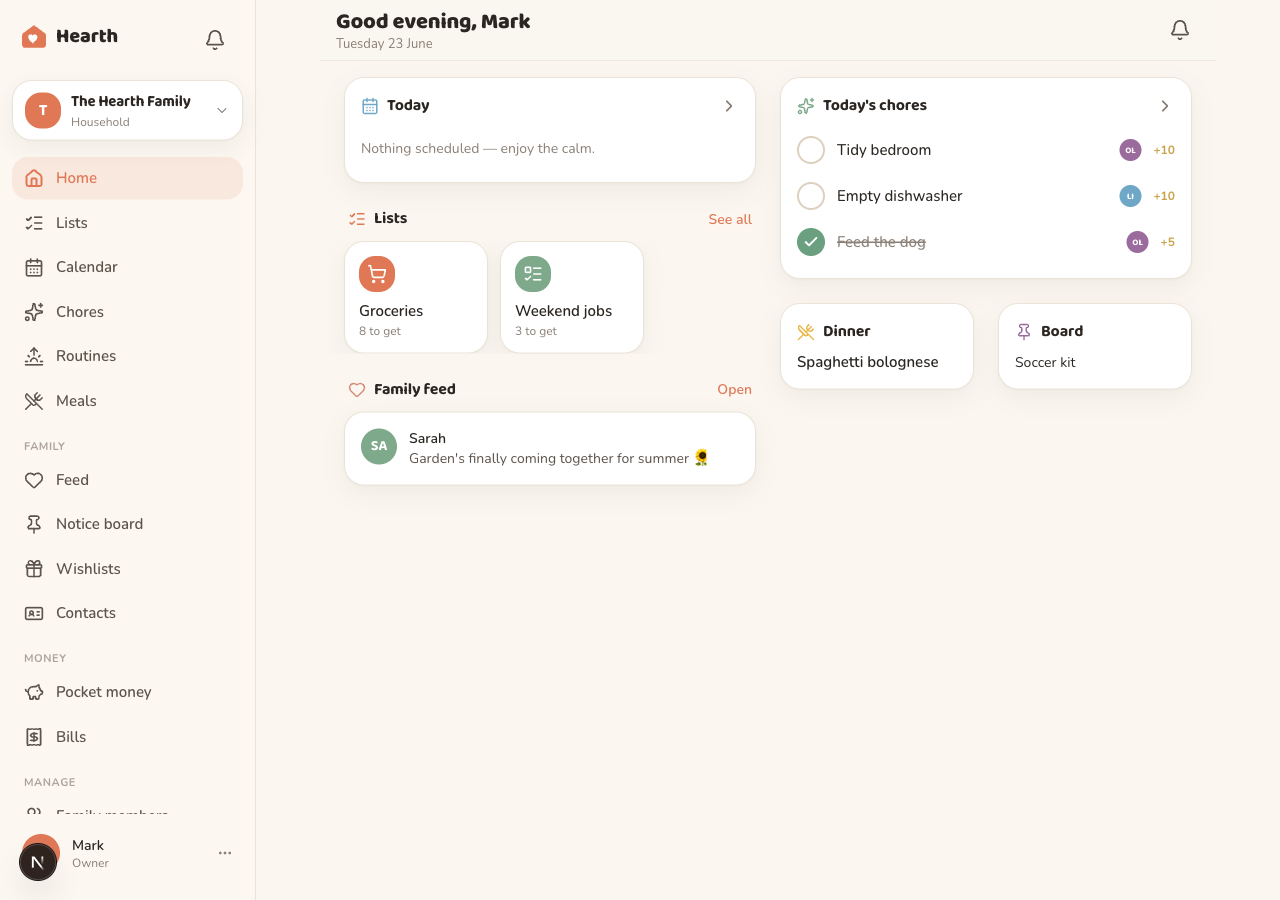
A real desktop dashboard
The full sidebar, today at a glance, every list and the family feed. Perfect for the Sunday-night plan.
Installable on phones
Add Oona to any home screen. It opens full-screen and works like a native app, online or off.
The fridge display
A wall-display mode turns an old tablet into the family's always-on command centre.
One plan. Your whole family.
Start free and stay free for as long as you like. When you're ready for everything, Oona Plus is one subscription for your whole household — not per person.
Oona Free
Always freeEverything you need to get the whole family organised.
No card needed.
- Family calendar with reminders
- Shared shopping & to-do lists
- Chores & rewards
- Private family messaging
- Notice board & family feed
- Now & Next + Feelings check-in
- Contacts & birthdays
- Fridge wall display
- 15 AI assistant messages a month
Oona Plus
14-day free trialUnlock everything, for everyone in your home.
Just NZ$4.08 a month, billed yearly.
Start your free trialFree for 14 days, then NZ$49/year. Cancel anytime.
- Everything in Oona Free, plus…
- Unlimited AI assistant
- Chores that pay real pocket money
- Weekly meal planner & recipe import
- Morning & bedtime routines
- Family vault for medical & emergency info
- Wishlists with secret claiming
- Bills & expenses
Bring everyone in. It only takes a minute.
Set up your family hub for free, add the kids, and watch the chaos quietly settle.